The Local-First Autonomous Desktop AI Agent
Kyro is an open-source product from Tonmoy Infrastructure, owned and architected by Eshan Roy. Engineered with a multi-threaded Rust native core, Tauri v2, and React 19 to deliver zero-latency screen understanding, browser automation, developer workflows, and Model Context Protocol (MCP) integrations with fail-closed local security.

Local Storage
Zero cloud databases; SQLite WAL on SSD
Backend Tests
Rust native suite with strict Clippy gates
Frontend Specs
React 19 & Vitest automated verifications
Native Capture
High-performance xcap screen buffer
A Product from Tonmoy Infrastructure, Owned by Eshan Roy
Kyro is engineered with a strict local-first philosophy to give developers and knowledge workers complete digital sovereignty.
Tonmoy Infrastructure
https://tonmoyinfrastructure.org/
The infrastructure engineering and research organization advancing sovereign computing, resilient systems, and privacy-preserving desktop AI runtimes.
- Backing autonomous local desktop intelligence
- Zero cloud telemetry, fail-closed security
- Permissive MIT open source licensing
Eshan Roy
m.eshanized@gmail.com
Product owner and lead systems developer of Kyro. Driving the implementation of its multi-threaded Rust native core, centralized authorization engine, and visual computer use.
- Architectural leadership & project governance
- Rust native engine & Tauri v2 runtime design
- Open development & developer community lead
What local-first means in practical terms
Kyro runs locally without cloud intermediaries. Your conversation history, memories, file organizer logs, and task traces remain on your machine in local SQLite storage.
SQLite in WAL Mode
All task states, agent runs, timeline steps, and chat histories are committed directly to SQLite with Write-Ahead Logging on your SSD. Zero cloud databases or external telemetry.
OS Keyring Credential Vault
API tokens and OAuth secrets are encrypted inside your OS Keyring (macOS Keychain, Linux Secret Service, Windows Credential Manager) with AES-256-GCM authenticated fallback.
Centralized Rust Authorization
Shell execution is lexed into exact argv tokens. Chained commands, pipes, and unauthorized absolute paths are stopped cold at the Rust backend boundary before execution.
Transparent Model Routing
Reasoning queries are dispatched to NVIDIA NIM or your configured OpenAI-compatible endpoint. Kyro never routes your private requests through proprietary proxy relay servers.
Dual Experience Modes in a Single Native App
Switch effortlessly between an intuitive everyday assistant and an advanced engineering workbench. Every feature is verified in the Kyro source tree and backed by automated test suites.
Natural Desktop Workflows for Knowledge Workers
Automate repetitive desktop tasks without touching a terminal. Kyro provides safe file organization, confidential document reading, and visual screen explanations through natural conversation.
Safe Reversible File Organizer
Categorizes by extension, isolates duplicates with SHA-256 content hashes, and stores a complete rollback manifest.
Local Document Assistant & Diffing
Pure Rust PDF stream decompression (FlateDecode) and text extraction (Tj/TJ) for zero-cloud document analysis.
Multimodal Screen Explainer
Extracts visible facts vs inferred causes from any active window or snipped region with 1-click grounded action triggers.
 Verified File Organizer Modal
 Verified Developer Workbench
Autonomous Diagnostics & Multi-Agent Engineering
Supercharge your software engineering with local project discovery, background development servers, instant git code checkpoints, and parallel coding teammates running in isolated worktrees.
Projects & Dev Server Manager
Scans local workspaces, boots Next.js/Vite/Rust dev servers, tracks active ports, and streams live stderr/stdout logs.
Code Checkpoints & Safe Rollback
Captures unified git diffs before modifying code. Protects uncommitted human edits with conflict-checked restoration.
Multi-Agent Git Worktrees
Specialist teammates (Apex, Forge, Scout) execute in isolated Git worktrees with human-reviewed reconciliation.
How Kyro Executes Autonomous Tasks
A transparent four-step cycle that prioritizes user sovereignty, verification, and deterministic recovery.
Prompt & Intent Ingestion
Describe your objective via chat, floating HUD, hotkey (Ctrl+K), or Telegram. Kyro pulls scoped memory and active window context.
Central Policy Gate
The Rust AuthorizationEngine evaluates required tools. Shell commands are lexed into exact argv tokens; container isolation is probed if SandboxOnly is configured.
Grounded Tool Execution
Actions execute via Set-of-Marks visual coordinates, WebDriver BiDi browser sessions, or child process groups. Sensitive checkpoints halt for human takeover.
Verification & Control
Real pixel diffs are computed on the step timeline. Code changes remain attached to rollback checkpoints, ensuring you retain total authority over your workstation.
Inspect the Real Kyro Desktop Client
No mockups or concept art. Every image below is a genuine screenshot captured directly from the running Kyro application.
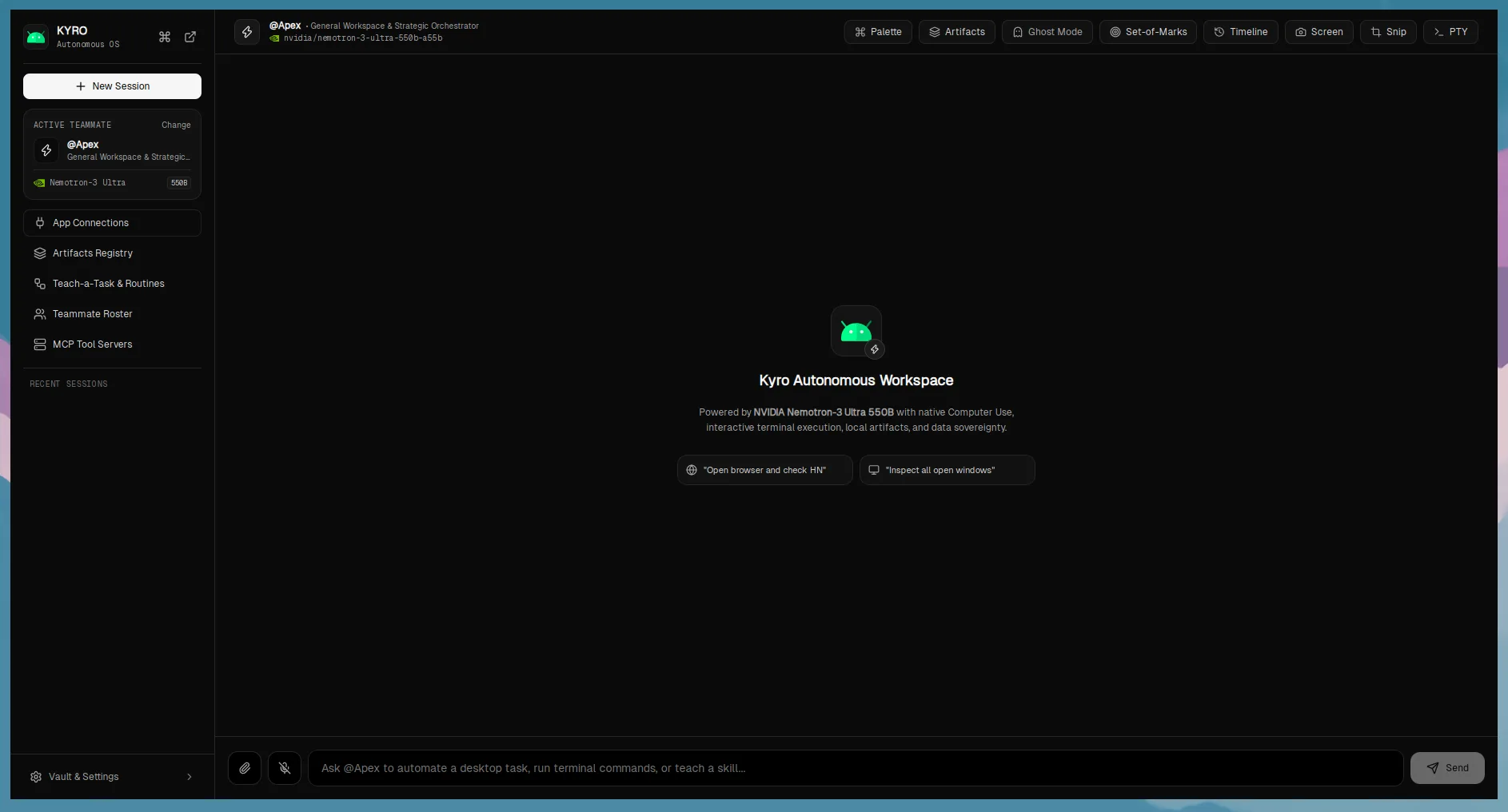
Everyday Mode & Interactive Assistant
Dual-experience application shell with step timeline and natural language assistance.
Everyday Mode provides friendly, natural language access to desktop automation. The live step timeline shows grounded tool invocations, coordinates, and pixel differences in real time.
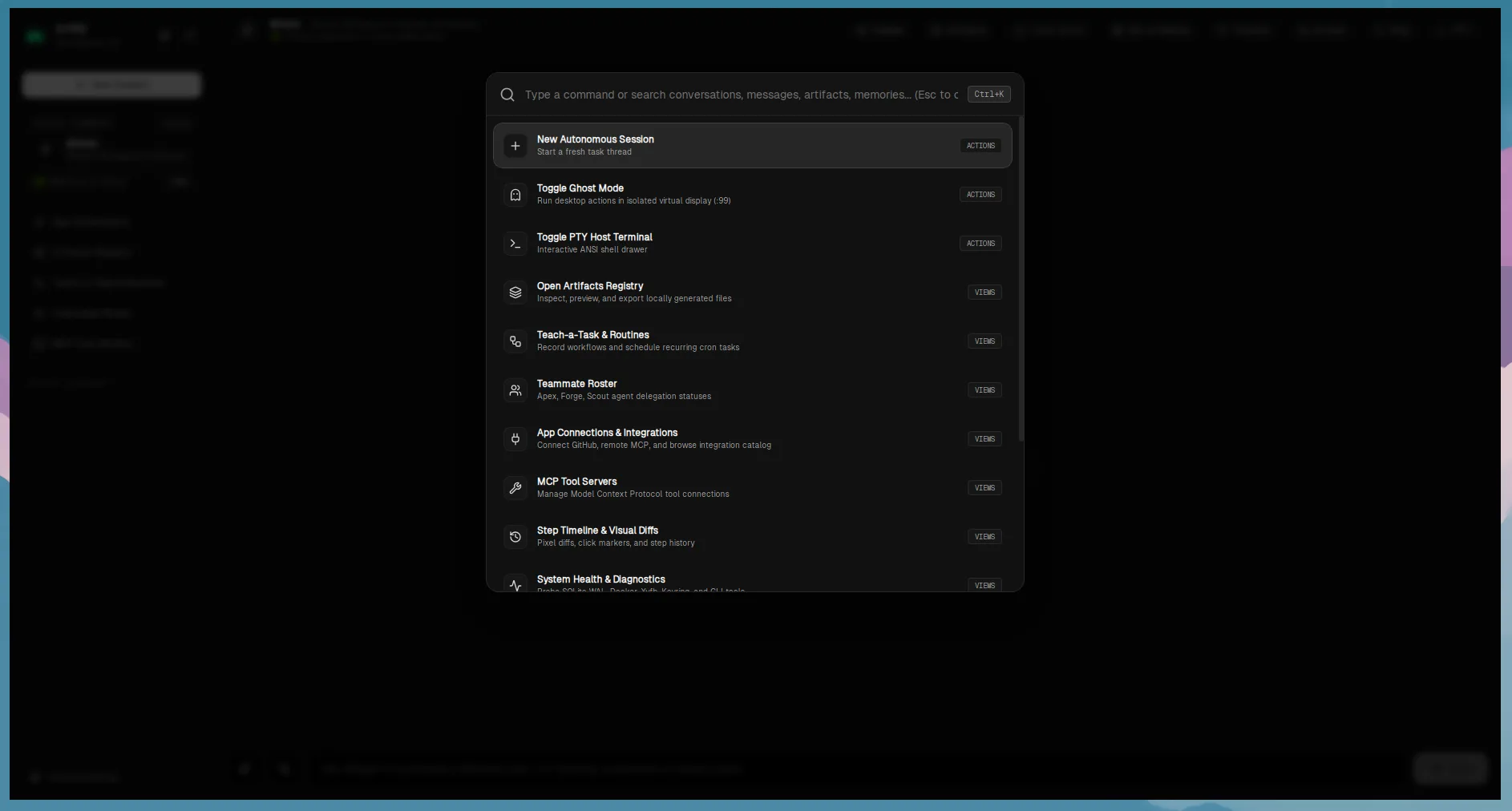
Developer Workbench & Process Lifecycle
Dynamic project discovery, background dev server processes, and live port detection.
Inspect local development workspaces, launch Next.js, Vite, or Rust servers in the background, monitor health checks, and review compiler triage diagnostics directly from Kyro.
Safe Reversible File Organizer
Categorization rules, SHA-256 duplicate detection, and 1-click rollback manifest.
Tidy up cluttered directories with zero risk. Preview planned moves, deduplicate identical files by content hash, and rollback any operation instantly with the SQLite transaction log.
Local-First Document Assistant
Pure Rust PDF parsing, date and action item extraction, and side-by-side revision diffs.
Process contracts and sensitive documents entirely on your local machine. Decompresses raw PDF streams, extracts milestones, and displays visual diffs without cloud leakage.
Multimodal Screen Explainer
Screen capture fact extraction, inferred cause analysis, and grounded action triggers.
Capture the full screen or snip any region with Ctrl+K. Kyro separates observable visual facts from inferred root causes, letting you trigger instant remediation workflows.
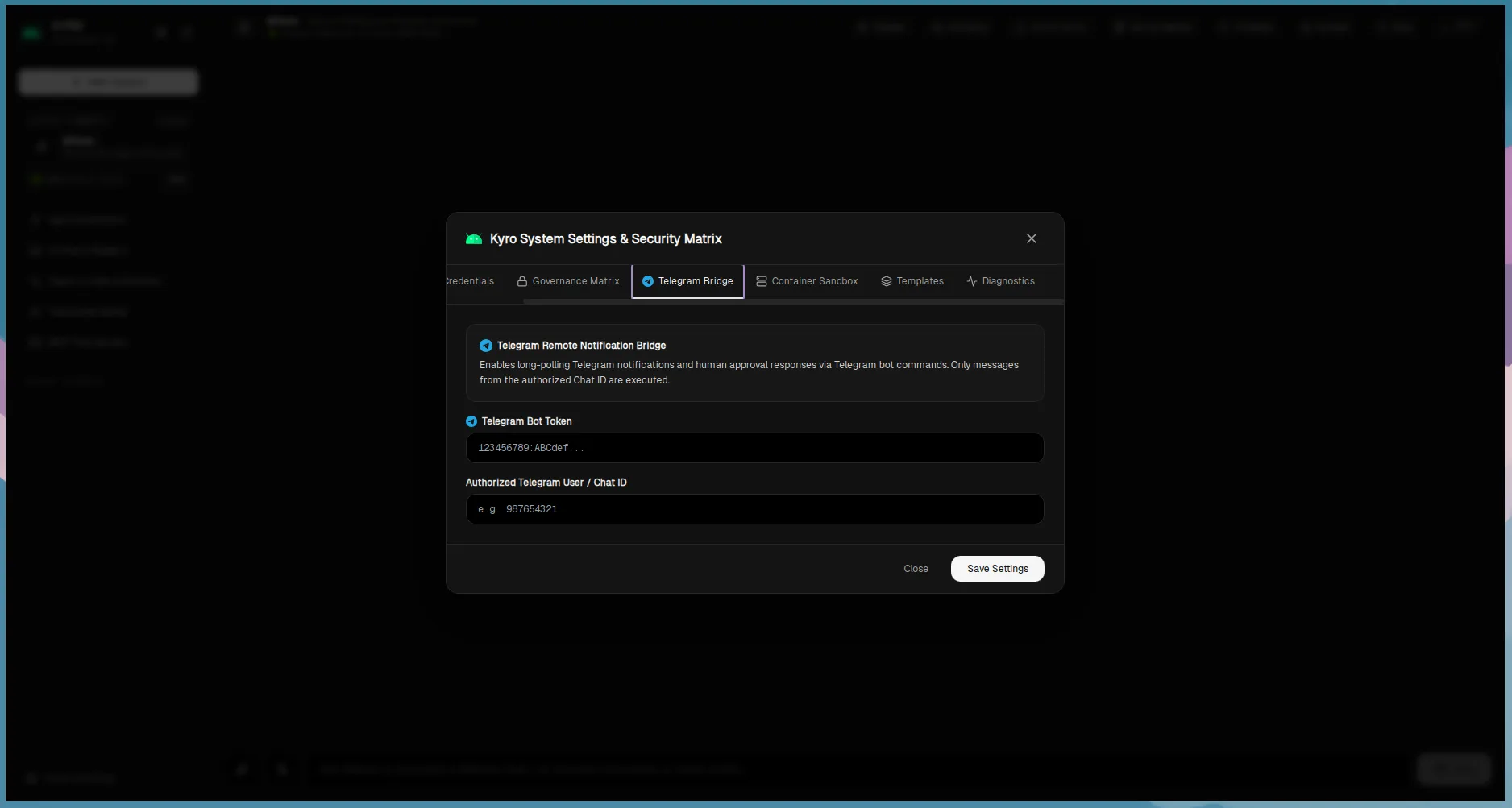
Teach-a-Task & Routine Scheduler
User demonstration recorder with credential sanitization and cron/interval scheduling.
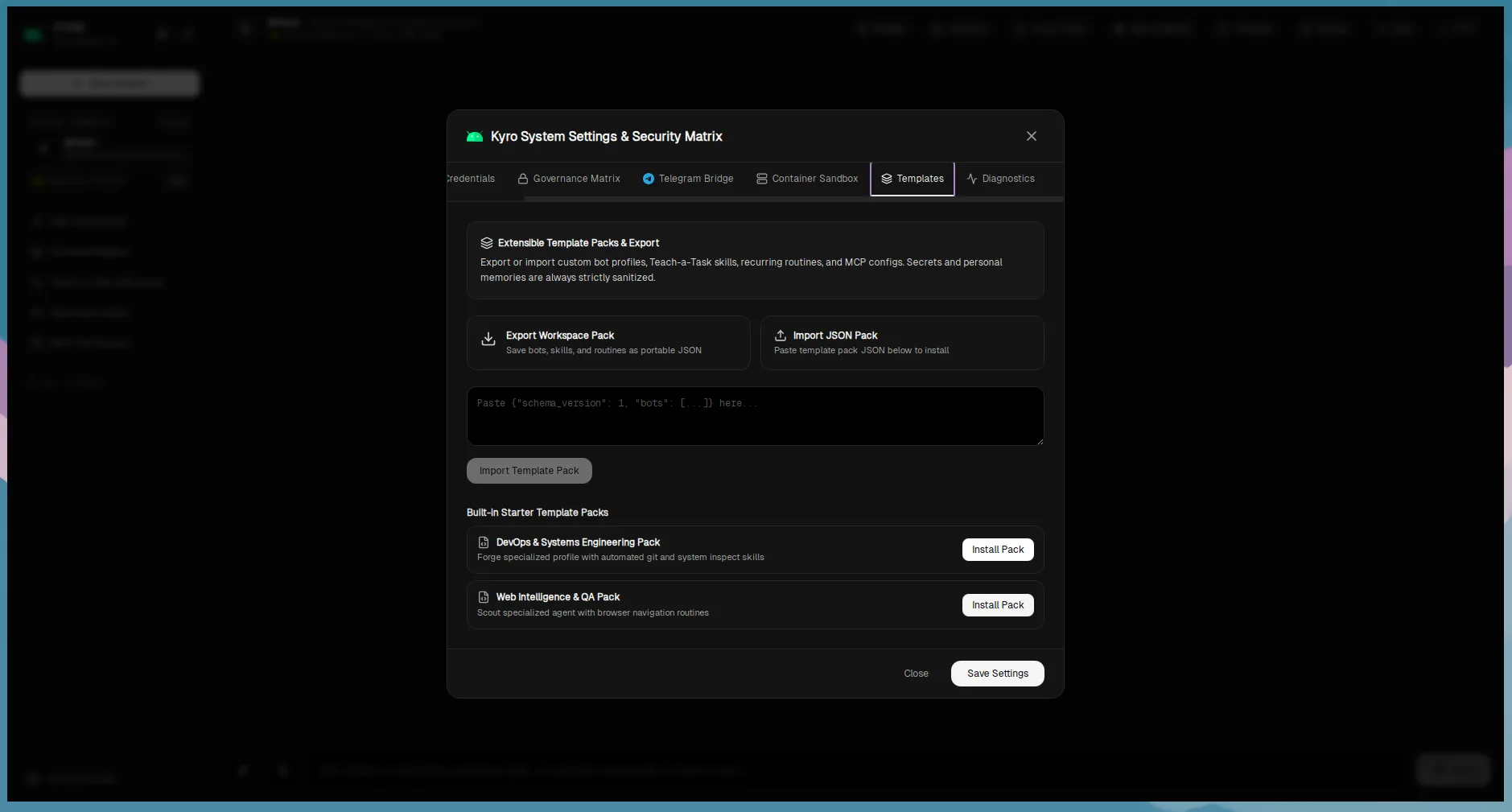
Record desktop actions into reusable, parameterized skills. Schedule recurring tasks using IANA timezone cron expressions and connect to the Telegram remote notification bridge.
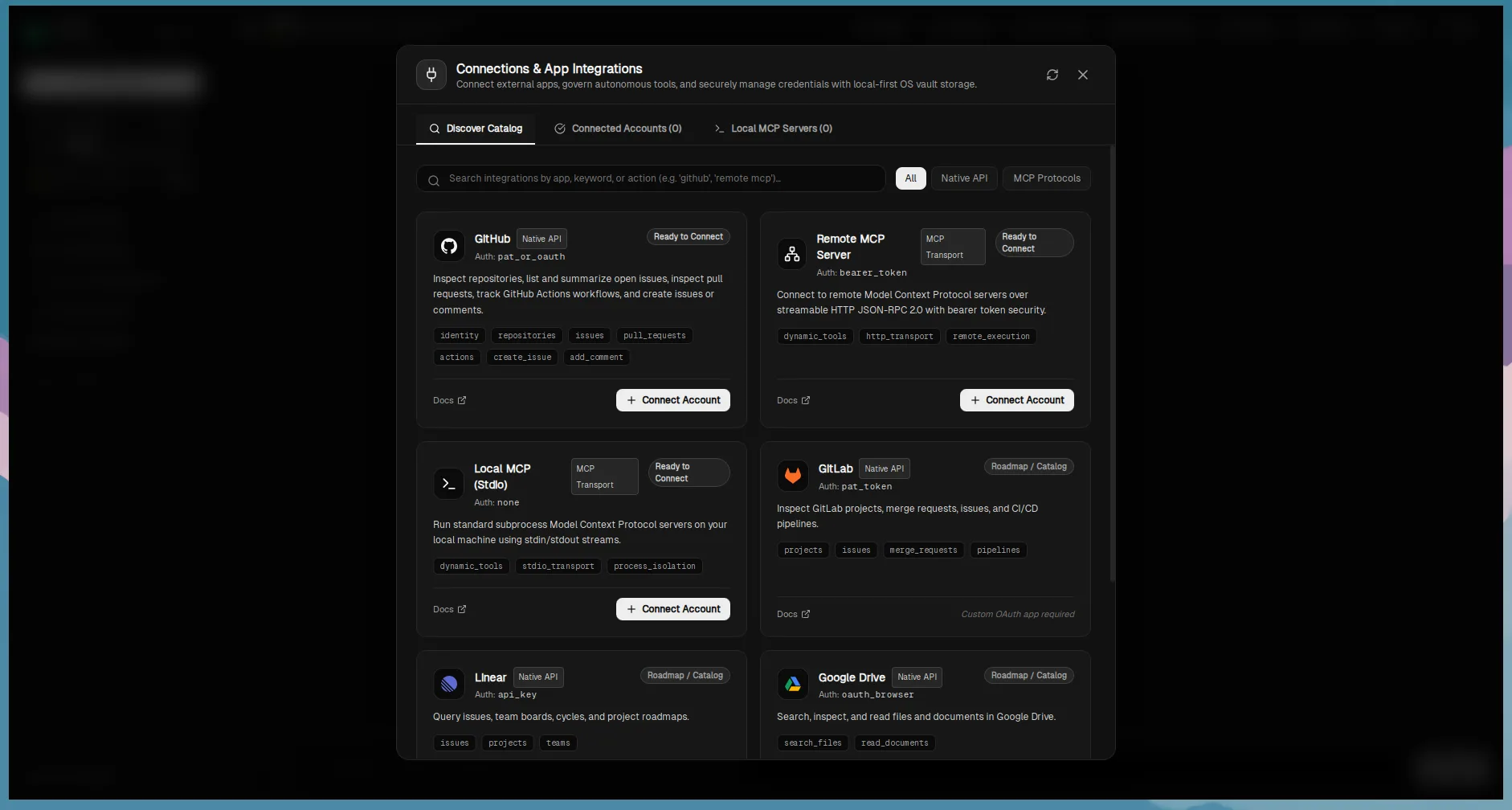
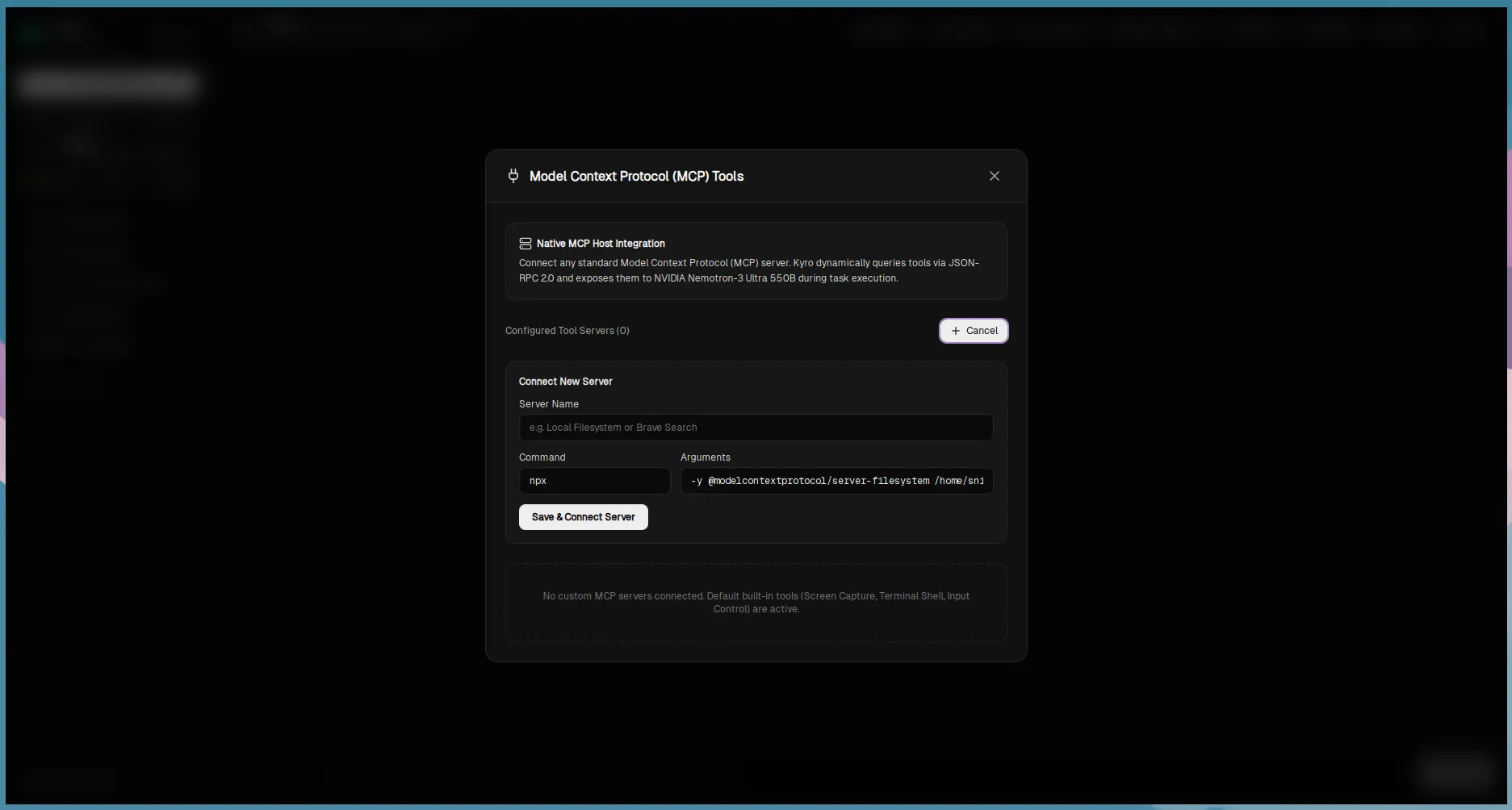
Connections & MCP Integration Center
Model Context Protocol client, GitHub OAuth PKCE, and per-action governance policies.
Attach custom local stdio tools or remote SSE MCP endpoints. Connect external services with PKCE OAuth 2.0 and enforce granular Allow, Ask Always, or Deny policies on every tool.
Multi-Agent Git Worktree Workspace
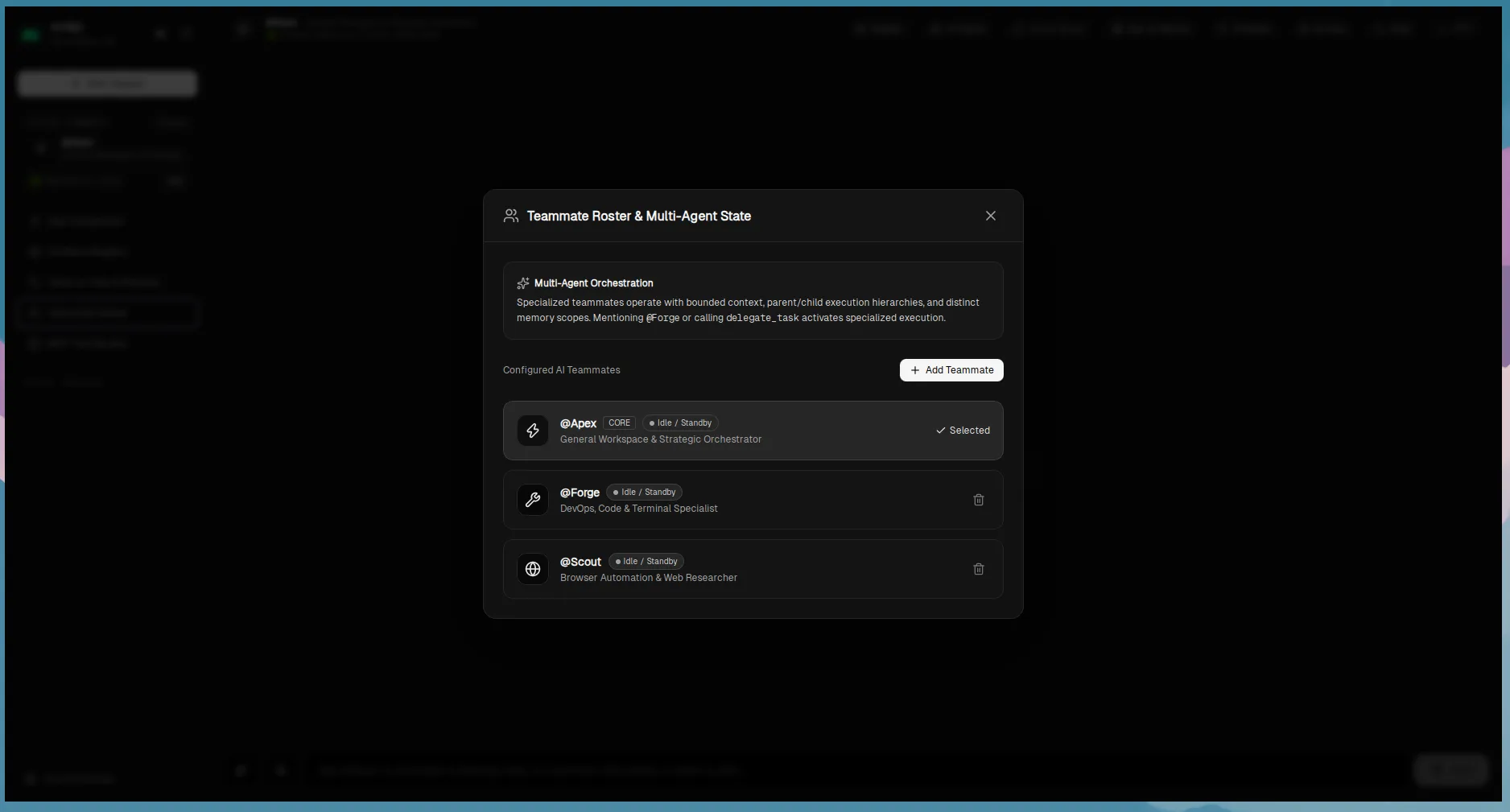
Autonomous teammate roster (Apex, Forge, Scout) executing in isolated Git worktrees.
Specialist coding agents tackle architecture, implementation, and regression testing simultaneously in separate Git worktrees, followed by a human-reviewed branch reconciliation.
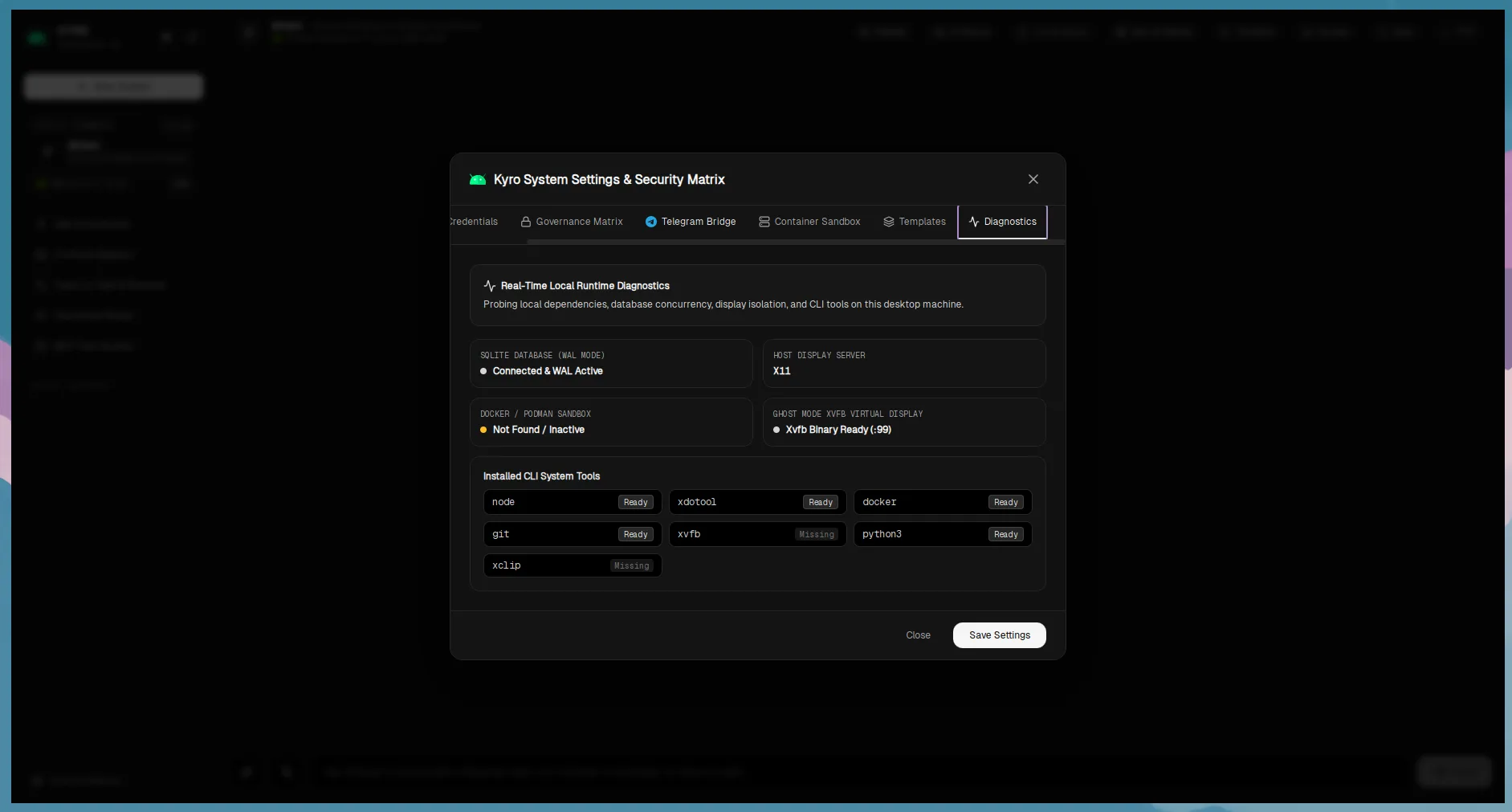
Zero-Trust Security & Fail-Closed Container Isolation
Autonomous computer control demands rigorous boundaries. Kyro does not treat security as an afterthought:
- Fail-closed container sandbox: If Docker or Podman is unavailable under a
SandboxOnlypolicy, Kyro refuses execution rather than silently falling back to the host. - Workspace path confinement: Restricts operations to verified folder boundaries, rejecting directory traversal (
..) and symlink escapes. - Atomic CAS approval queue: Time-bounded human approvals are bound to exact tool names and JSON argument hashes to prevent replay or substitution attacks.
Built with Rust & Tauri v2. Fully inspectable.
Kyro includes a unified Makefile covering development, formatting, Clippy linting, and automated test execution across 230+ backend tests and 60+ frontend tests.
# 1. Clone the repository
git clone https://github.com/eshanized/Kyro.git
cd Kyro

# 2. Install dependencies & run complete verification
npm install
make verify

# 3. Launch the desktop application in dev mode
make dev
100% Free & Open Source on GitHub
Kyro is an open-source product from Tonmoy Infrastructure, owned and architected by Eshan Roy with community contributors under the MIT License. Inspect the code, report issues, propose enhancements, or participate in architectural discussions.
Ready to experience local-first desktop intelligence?
A product from Tonmoy Infrastructure, owned by Eshan Roy. Download the desktop client for your platform or inspect the source repository.